




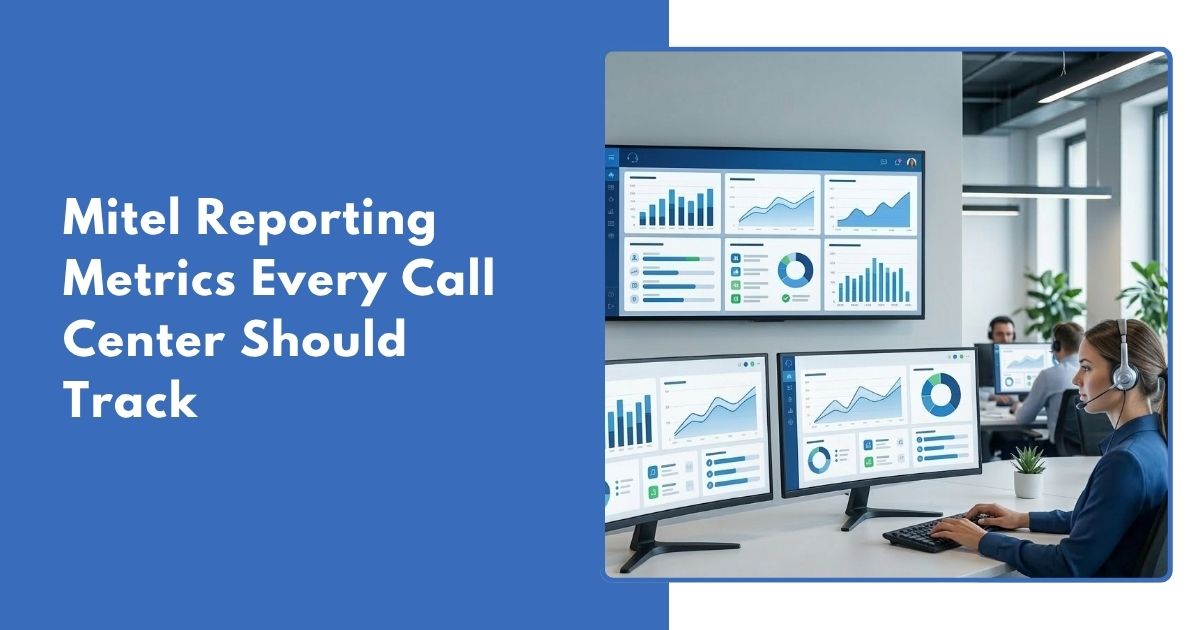
Running a call center without tracking the right data is a bit like flying a plane without instruments. You might be moving, but you have no clear idea of where things are going wrong. That is exactly why more businesses are turning to Mitel reporting – to get a clear, close to real-time picture of what is happening on the floor, what agents need, and where the customer experience can improve.
In today’s competitive landscape, gut feeling is not enough. You need hard numbers. The right reporting tools give managers the insight to make fast, confident decisions – before small issues turn into serious problems.
If you have a small or big call center, watching the right numbers can make it work better. This blog shows the most important numbers and how checking them all the time helps a lot.
What Is Mitel Reporting?
Mitel reporting is the data tools in Mitel. These tools collect and show call center information. Managers can see how calls are handled at any time. Mitel is one of the most widely used business communication platforms in the world. Many businesses in the USA and world use it.Reporting turns call data into useful information.
Think of it as your call center’s control panel. Instead of guessing how your team is performing, you get clear dashboards, historical reports, and live alerts – all in one place. You can also view a live demo of dashboards here.
Why Call Centers Need Reporting and Analytics
Most call center managers already know their team is busy. Being busy is not the same as doing a good job. Without clear reports, it is hard to know if problems are solved in the first call, if customers leave because they wait too long, or if some hours do not have enough staff.
Mitel business analytics makes this simple. It helps you see what is happening right now, look at past data, and find problems early. It also helps you set easy goals, check progress, and reward good work.
Top Mitel Reporting Metrics Every Call Center Should Track
Not all metrics carry the same weight. Below are the most important ones to have on your radar – and why each one matters to day-to-day operations. You can explore how reporting works in detail in this guide on building a call center performance dashboard.
Call Volume
This shows total incoming and outgoing calls in a set time. It helps you plan staff and know busy hours.
Missed Calls
This shows calls that no one answers. If missed calls go up, it means you may be losing customers.
Customer Wait Time
This shows how long people wait before talking to an agent. Long wait times can make customers leave.
Call Abandonment Rate
This shows how many people hang up before talking to an agent. A high number means there may be a problem with staff or call handling.
How Mitel Reporting Helps Improve Call Center Performance
Mitel reporting is useful not just for data, but for action. Managers can see problems fast and fix them. Trend data helps plan staff, training, and tools.
If calls take too long, it could mean an agent needs help or a new product is causing questions. Mitel reports show problems before they get bigger.
Live alerts and dashboards help supervisors act quickly. You can fix issues now, not later. This means fewer missed calls, shorter wait times, and happier customers
How Businesses Use Mitel PBX Phone System With Reporting Tools
The Mitel PBX Phone system is the backbone of thousands of call centers across the USA and beyond. It handles call routing, queues, transfers, and agent extensions – and when paired with Mitel’s reporting and analytics layer, it becomes a truly powerful operations platform.
Businesses that use the Mitel PBX Phone system alongside Mitel business analytics can connect every call event to a data point, Callation helps track and manage calls for better call center performance with call reporting services. Every ring, hold, transfer, and hang-up becomes part of a larger picture that managers can use to optimize their operations. Whether your team is fully on-site or working in a hybrid model, the system delivers consistent, reliable data.
For companies evaluating Mitel phone price and setup options, it is worth noting that the reporting and analytics capabilities are a significant part of the value proposition – not just an add-on feature. Many businesses contact Mitel reporting USA support teams specifically to explore how to get the most out of these dashboards from day one.

Best Practices for Using Mitel Reports and Analytics
Having data is good, but using it well is more important. First, set clear goals. Know what good looks like, like call time, solved calls, and missed calls. Without goals, data is not useful.
Check reports regularly. Look at daily data and also weekly trends. This helps you improve step by step. Share data with agents. When agents see their own work, they try to do better.
Use past data to plan staff. Check busy times and add more staff before it gets busy. Use both data and feedback. Numbers show what is happening. Customer feedback shows why it is happening. Act fast on problems. If wait time or missed calls go up, fix it quickly.
Conclusion
Strong call center performance does not happen by accident. Good results come from tracking, checking, and changing based on data. Mitel reporting helps your team do this. Every call can teach your team and make customers happier.
Start with your important numbers, check them often, and make decisions from facts, not guesses. Tracking the right call center KPIs is important for better results.
Frequently Asked Questions
The live queue and wait time report shows how long customers wait. Managers can act fast to reduce wait time.
By showing which calls need follow-ups, Mitel reports help managers train agents to solve issues in the first call.
Yes. Call volume and trend reports show peak times so managers can schedule more agents when needed.
Missed call reports show unanswered calls. Managers can fix staffing or queue problems quickly.
Callation provides cloud‑based call reporting, call accounting, and analytics services that help call centers track call activity, monitor team performance, generate dashboards and scheduled reports, and improve customer service.