How to Modernise Legacy Business Software Without Disrupting Daily Operations
Table of Contents
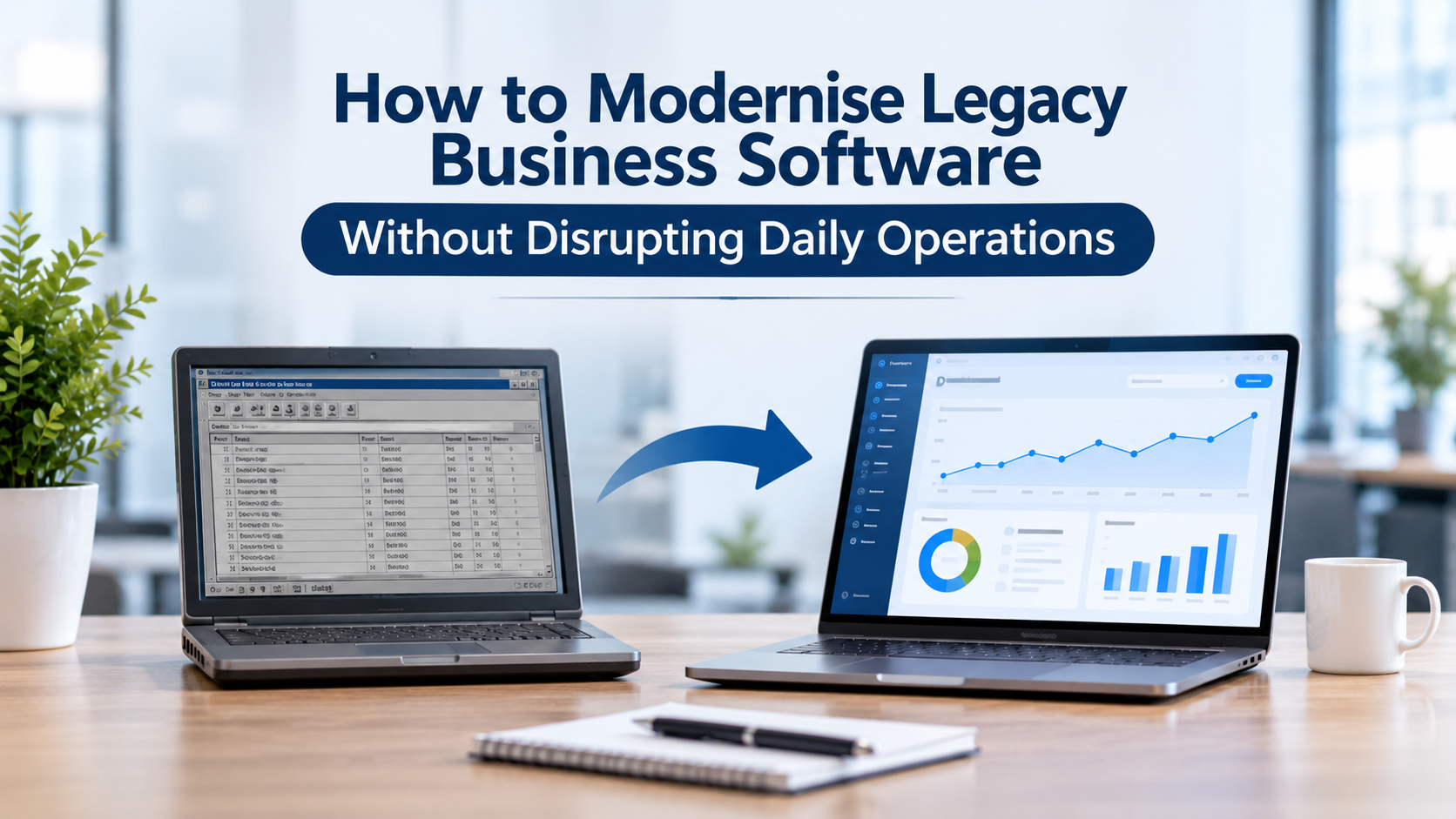
Many businesses rely on software developed years ago to manage important activities such as customer management, inventory, financial reporting and daily operations. While these systems may still perform their basic functions, they can become increasingly difficult to maintain as business requirements and technology evolve.
Outdated software can slow down processes, create integration problems and make it harder for businesses to introduce new features. However, replacing an entire system at once is not always practical. It can lead to downtime, data migration issues and disruption to employees who depend on the software every day.
This is why legacy system modernisation needs a planned approach. Instead of changing everything at once, businesses can gradually upgrade existing systems, test new functionality and maintain essential operations throughout the transition.
What Is Legacy Business Software and When Should You Modernise It?
Legacy business software refers to applications or systems built using older technologies that may no longer meet a company’s current operational requirements. Businesses experiencing these challenges may also benefit from understanding when to consider custom software development for their business. These systems can include accounting platforms, inventory management applications, customer databases and internally developed business tools.
A system does not necessarily become outdated simply because it is old. If it continues to perform reliably, remains secure and supports business requirements, there may be no immediate reason to replace it. The problem arises when maintaining the software becomes more difficult than improving it.
There are several signs that a business may need to consider modernisation:
- Increasing maintenance costs: Older applications may require specialised technical knowledge, making updates and repairs more expensive.
- Poor system integration: Legacy applications may struggle to exchange information with newer business tools, resulting in manual data entry and disconnected workflows.
- Performance limitations: Slow processing, frequent errors and system interruptions can affect employee productivity.
- Security concerns: Unsupported technologies may no longer receive regular security updates, increasing exposure to potential vulnerabilities.
- Limited scalability: Existing systems may struggle to handle growing transaction volumes, additional users or changing business requirements.
When these challenges begin affecting everyday operations, modernisation becomes a practical consideration. The objective is not simply to introduce newer technology but to create a system that continues supporting the business as it grows.
What Are the Different Approaches to Legacy system Modernisation?
Not every legacy application needs to be rebuilt from scratch. The right approach depends on the condition of the existing system, its technical limitations and the business outcomes expected from modernisation.
Some common approaches include:
Approach | What it involves |
Rehosting | Moving an existing application to newer infrastructure without significantly changing its code |
Refactoring | Improving the internal code structure while retaining the application’s core functionality |
Replatforming | Moving the application to a more suitable technology platform with selected modifications |
Rebuilding | Developing parts or all of the application using modern technologies |
Replacing | Moving from an existing application to a different software solution |
For example, a business using an older inventory management application may not need to replace the entire platform. If the main problem is slow reporting, modernising the reporting component could be enough to improve performance.
Similarly, if an application works well but cannot communicate with newer business tools, introducing API integrations may address the problem without changing the entire system.
Choosing the right approach requires understanding what is working, what is creating difficulties and which components need attention first.
How to Modernise Legacy Business Software Without Disrupting Operations
Modernising business software requires more than selecting a new technology. Businesses need a structured implementation plan that considers existing workflows, system dependencies and the people who use the application.
The following steps can help reduce disruption during the process.
- Assess existing systems and business processes
Before making technical changes, review how the current software operates. Identify its main functions, connected applications, databases and dependencies.
It is also important to understand which activities rely on the system. For example, an older order management application might connect inventory records, customer information, payment processing and delivery updates.
Changing one component without understanding these connections could affect other business processes.
Documenting existing workflows, identifying technical limitations and speaking with employees who use the system regularly can provide a clearer picture of what needs to be improved.
- Prioritise critical systems and choose a phased approach
Modernising every component simultaneously increases complexity and makes problems harder to isolate. A phased approach allows businesses to work on smaller sections while keeping other functions operational.
Start by identifying the components that create the most significant operational problems. These could include outdated reporting modules, slow database queries or applications that cannot exchange information efficiently.
Prioritise improvements based on business impact rather than simply replacing the oldest technology first.
For example, a company might modernise its reporting module before making changes to its order processing system. Once the updated component has been tested and performs as expected, the next stage can begin.
- Keep old and new systems running together where necessary
One way to reduce transition risks is to operate the existing and modernised components in parallel for a limited period.
This allows businesses to compare outputs, check data accuracy and identify unexpected behaviour before fully switching to the new system.
For instance, a business upgrading its financial reporting application could generate reports from both systems and compare the results. If the figures match and the new application performs reliably, the business can gradually move reporting activities to the updated platform.
This approach requires clear rules for data synchronisation and system ownership to prevent conflicting records or duplicate transactions.
- Test new components before switching completely
Testing should happen throughout the modernisation process, not just at the end.
Businesses should check whether updated features work correctly, whether existing integrations remain functional and whether the system can handle normal workloads.
User acceptance testing is equally important. Employees should have an opportunity to test the updated application using realistic business scenarios before it becomes part of their daily workflow.
A rollback plan should also be prepared. If the new component creates unexpected problems, the business should know how to return to the previous stable version while the issue is investigated.
How to Protect Business Data and Existing Integrations During Migration
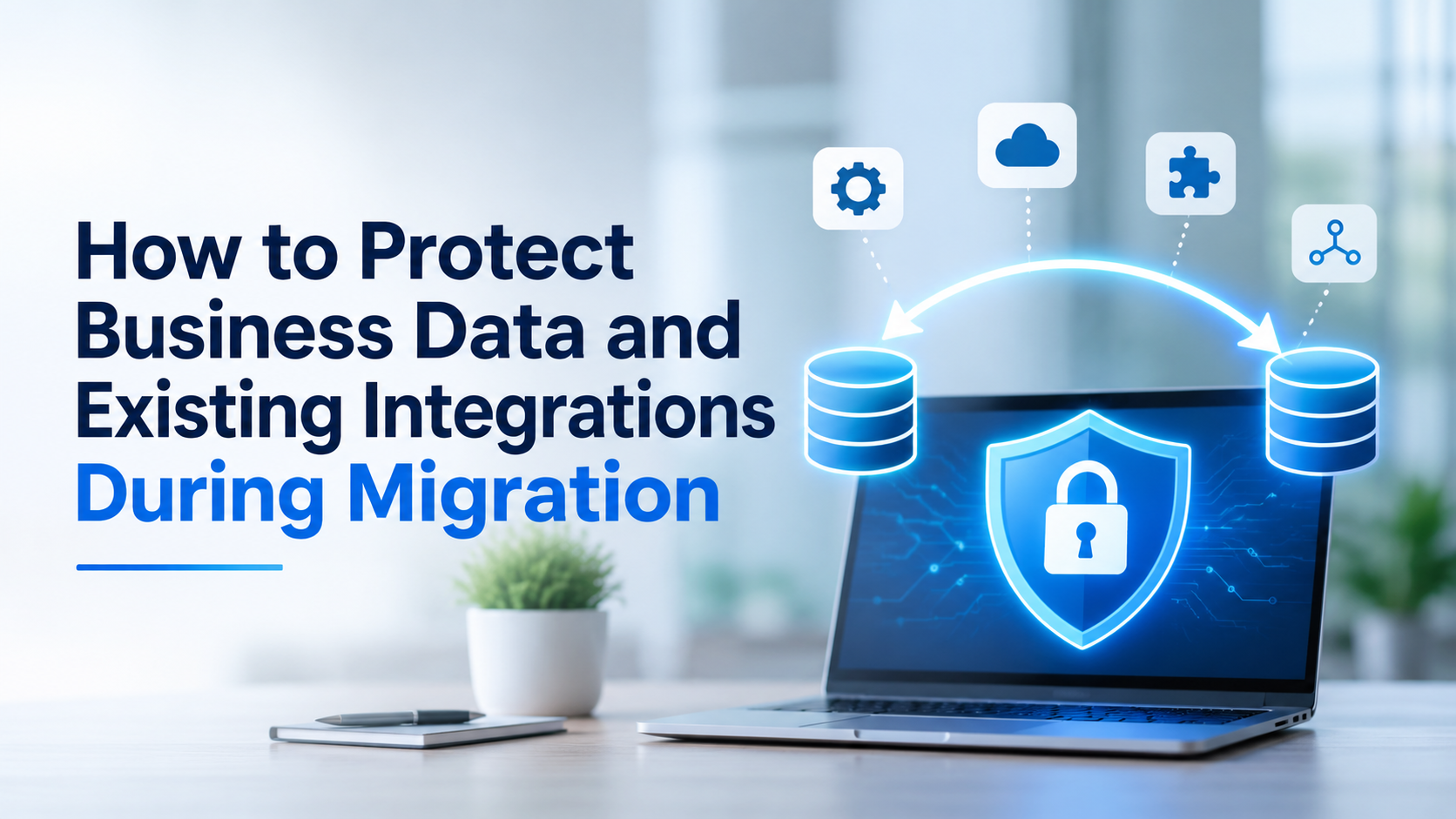
Data and integrations are two areas that require particular attention during legacy software migration. Business applications often contain years of customer records, transaction histories, product information and operational data. Losing or incorrectly transferring this information can create serious problems.
Start by creating reliable backups of existing databases and identifying which information needs to be transferred. Data mapping helps establish how records in the old system correspond to fields in the new application.
Before the final migration, test the process using a sample dataset. Check for missing records, duplicate entries, incorrect formats and inconsistencies between the original and updated systems.
Once the migration is complete, validate the transferred information against the original database. Important records, transaction totals and relationships between connected datasets should be checked carefully.
Existing integrations also need to be considered. Many businesses depend on connections between their accounting software, CRM platforms, inventory tools and other applications.
If an updated system changes how information is stored or exchanged, existing connections may stop working as expected.
APIs can help create communication between older applications and modern software components. Businesses can also read how API integration reduces manual work when connecting different applications and automating information exchange. Instead of replacing every connected application immediately, businesses can introduce integration layers that allow systems to exchange information through controlled interfaces.
This makes it possible to modernise individual components while maintaining connections with the rest of the business environment.
How to Minimise Employee Disruption During Software Modernisation
Technology changes also affect the people who use business software every day. Even when a modernised application offers better functionality, employees may need time to understand new processes and adjust their routines.
Involving employees early can help identify practical problems before implementation. They often understand workflow requirements that may not be obvious during a technical assessment.
Businesses should communicate what is changing, explain how the updated software will affect daily tasks and provide training before the new system is introduced.
It is also useful to introduce changes gradually. Giving employees time to become familiar with updated features can reduce confusion and help maintain productivity.
Feedback collected during the transition can highlight usability issues and areas that need further improvement.
Common Mistakes to Avoid When Modernising Legacy Business Software
Even a well-planned modernisation project can face difficulties if important considerations are overlooked.
Some common mistakes include:
- Replacing everything at once: Large-scale changes increase complexity and make it harder to identify the source of problems.
- Ignoring system dependencies: Failing to map existing integrations can cause connected applications to stop functioning correctly.
- Underestimating data migration: Moving information without proper testing and validation can result in missing or inconsistent records.
- Skipping user testing: Software that works technically may still create difficulties for employees performing everyday tasks.
- Ignoring ongoing maintenance: Modernised applications still require monitoring, security updates and regular improvements.
Avoiding these mistakes requires proper planning, clear communication and continuous testing throughout the project.
Ask them where they regularly lose time.
You may find that the biggest problems are surprisingly simple:
- Re-entering information.
- Searching across different systems
- Preparing reports manually
- Chasing approvals
- Checking and correcting data
- Moving information between applications
- Maintaining spreadsheets outside the main system
These are the areas worth investigating first.
In some cases, software optimisation or integration may solve the problem.
In others, automation or a new application may be the better option.This is also where technology consulting can be useful. Looking at the wider technology environment before deciding what to build can help prevent businesses from spending money on another solution that doesn’t address the real issue.
Final Thoughts
Legacy system or software modernisation does not have to mean replacing everything your business currently uses. With proper planning, phased implementation, reliable data migration and continuous testing, businesses can improve existing systems while keeping essential operations running. The key is to understand what needs to change, prioritise improvements and introduce them at a manageable pace. This allows businesses to move towards more scalable technology without creating unnecessary disruption to their daily activities.
FAQs
1. Can legacy software be modernised without downtime?
In many cases, businesses can minimise or avoid noticeable downtime through phased implementation, parallel system operation and carefully planned migration. However, the approach depends on the software architecture, data requirements and the changes being introduced. Some activities may still require a scheduled maintenance window.
2. Is it better to upgrade or replace legacy business software?
It depends on the condition of the existing application. If its core functionality remains useful, upgrading or refactoring selected components may be more practical. However, if the system has significant technical limitations or cannot support future business requirements, rebuilding or replacing it may be a better option.
3. How long does legacy software modernisation take?
The timeline depends on system complexity, the number of integrations, data migration requirements and the scope of changes. Modernising a single module may take considerably less time than rebuilding an entire business application. A proper technical assessment helps establish a realistic project timeline.