
Is Your CRM Ready for AI? Why You Need CRM Integration Before It’s Too Late
Table of Contents
Here is something nobody tells you when they sell you a CRM: the system does not have to break to become a problem, and the solution rarely lies in replacing it, but rather in modern CRM integration.
Ours certainly never broke. For years, it just… worked. Contacts were in there. Notes were in there. The team knew how to use it. And quietly, underneath all of that familiarity, it was costing us hours every week in data nobody trusted, reports nobody could produce quickly, and customers who had to re-explain themselves every time they called.
If your CRM was set up more than five years ago, there’s a reasonable chance the same thing is happening to you. Not a crisis. Just a slow, invisible drag on everything your business is trying to do.
These are the five signs worth paying attention to and what actually fixes them.
Why Legacy CRM Problems in Australia Are So Hard to Spot
The damage rarely shows up in a single incident. It distributes itself across hundreds of small moments every week: a contact transferred by hand between tabs, a customer who had to repeat their order history, a report that was outdated before it landed in anyone’s inbox.
Nobody adds those moments up. They just become the background noise of running the business. And for Australian companies trying to scale, that noise gets louder because more customers means more of everything going wrong at the same time.
Sign 1: Your Team Is Copying Data Between Systems Manually
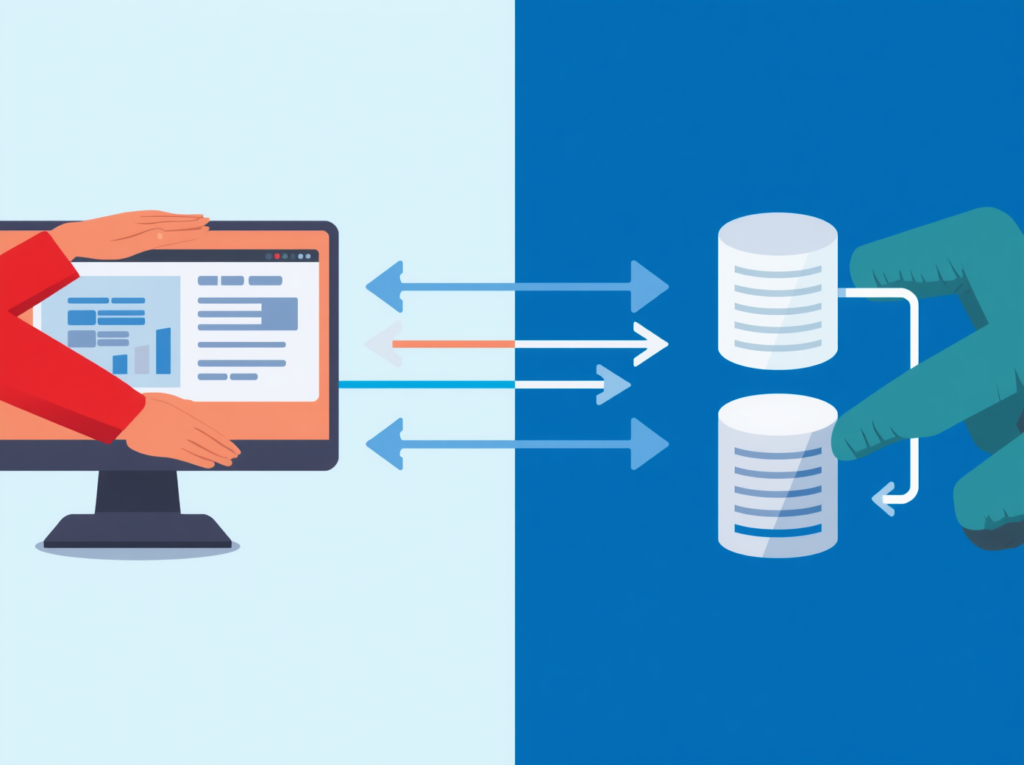
If this is happening in your business, you already know it. Someone has two tabs open. They’re reading from one and typing into the other. Maybe it’s contacts. Maybe it’s orders, invoices, support tickets that don’t matter. The point is that a human being is doing the job a properly integrated system should be doing automatically.
The slow part isn’t actually the typing. It’s what the typing introduces: errors. A field entered slightly wrong in one system doesn’t stay wrong in one system it travels. It shows up in reports. It ends up in a customer email. It becomes the wrong number on an invoice.
Three people spending 45 minutes a day on manual data entry is roughly 500 hours a year around $25,000 in labour at a conservative hourly rate. That’s before you count the time spent finding and fixing the mistakes those hours produce.
A Node.js API middleware layer removes this entirely. When a customer places an order on your website, that information flows immediately into your CRM, your accounting software, and your support system without anyone touching it. The work still happens, it just doesn’t happen by hand anymore.
Sign 2: Customer Records Are Always One Step Behind
“I’m sorry, the system hasn’t updated yet.”
If your team has said this on a support call in the past month, you have a real-time data problem. And the person experiencing it isn’t just your staff member, it’s the customer on the other end who now has to wait, or repeat themselves, or call back tomorrow.
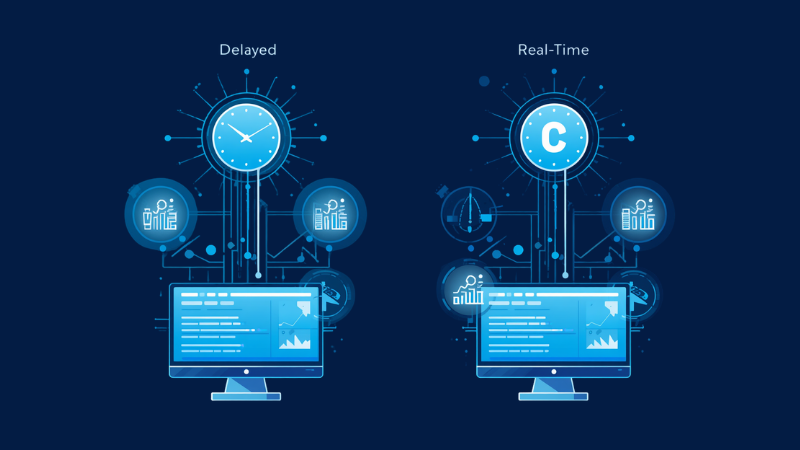
Older CRMs were commonly built around batch sync data updates that happen overnight or on a fixed schedule. That made sense fifteen years ago. In 2026, it won’t. Customers expect whoever they contact to have the full picture immediately: the most recent order, the last interaction, any open issues.
The fix is architectural, not cosmetic. A modern API integration layer sits between your CRM and your other systems and passes updates in real time. When a customer changes their address, raises a ticket, or completes a purchase, every connected system knows about it at once. The lag disappears.
The slower fix is what you’re already doing: managing the gap with apologies.
Sign 3: Your CRM Won't Connect to the Tools Your Team Actually Uses
Think about the software your team genuinely relies on day to day. Xero or MYOB. Google Workspace. HubSpot. Slack. Some scheduling tool someone added six months ago that’s now critical infrastructure.
Now ask yourself: how many of those systems have a live connection to your CRM?
For most businesses running a legacy setup, the honest answer is: not many. The CRM sits in its own corner. Data goes in, occasionally something gets exported, but there’s no real conversation happening between it and the rest of the stack.
The reason is usually structural. Many legacy CRMs were built before modern API standards became widespread. They were designed to be self-contained, which made sense at the time, but now means your team is working around them rather than through them.
This is solvable. A middleware layer acts as a translator between your CRM’s native format and the modern tools around it. It doesn’t matter whether your CRM speaks XML or something proprietary the middleware converts it into something everything else can read and use.
Related Blog- Custom CRM Development in Australia: Boost Efficiency and Growth Today
Sign 4: Producing a Report Takes Days, Not Minutes
This one stings when you see it clearly. Your sales director asks for a pipeline view on a Monday morning. By Wednesday afternoon, someone has pulled exports from three different systems, merged them in a spreadsheet, and produced something that by the time it’s finished already doesn’t reflect what happened on Tuesday.
Nobody is making fast decisions off that report. They’re making cautious decisions, because they know the data is already behind.
When your CRM, your accounting software, and your support desk are all running separately, nobody has the full picture. Sales doesn’t know what support is dealing with. Finance doesn’t know what’s about to close. Everyone is navigating with a slightly outdated map.
Connect those systems through a central API layer and the picture changes. Data feeds into a single reporting view, updated continuously, available to whoever needs it. A Monday morning report reflects Monday morning not last Thursday.
Sign 5: Your CRM Has No AI Layer
This is the one most businesses haven’t fully registered yet but it’s becoming harder to ignore.
By 2026, AI has stopped being a premium feature in top-tier CRM plans and started becoming something that sales, support, and marketing teams expect as baseline. If your CRM can’t connect to AI-powered tools, you’re not missing one capability. You’re locked out of an entire category of how modern teams work.
What does that actually look like in practice? An AI-connected CRM drafts follow-up emails based on the last customer interaction. It scores leads automatically, based on behaviour patterns rather than gut feel. It flags accounts that have gone quiet before they churn. It summarises support calls and updates records without anyone typing a word.
None of that requires replacing your CRM. What it does require is connectivity your CRM needs to be able to pass data to an AI layer and receive outputs back. Legacy systems weren’t designed for this. Their data is often locked in formats modern AI tools can’t read: proprietary schemas, XML structures, old CSV exports.
A Node.js middleware layer solves this by translating your CRM’s data into clean JSON, the format that AI tools, automation platforms, and basically everything modern expects. The businesses quietly pulling ahead right now aren’t always running the fanciest CRM. They’re running one that can talk to everything around it.

What to Do When Your CRM Shows These Signs
The instinct when a system stops working well is to replace it. Resist that instinct at least until you’ve properly explored the alternative.
CRM replacement projects are genuinely painful. Migration takes months, and that’s if it goes smoothly. Staff retraining takes longer. The system you migrate to will have limitations you only discover after you’re already committed to it. It’s a known disruption with an unknown upside.
Integration is a different kind of project. Your existing CRM stays in place all the historical data, all the familiar workflows, all the institutional knowledge your team has built up around using it. What changes is its ability to communicate with the modern tools around it.
A Node.js middleware layer sits between your CRM and everything else. It accepts data from your CRM in whatever format it happens to use, converts it into a clean standardised structure, and routes it to wherever it’s needed: your accounting software, your marketing platform, your support desk, your AI tools. When something updates in any of those connected systems, the middleware pushes the change back. Every system stays current. No manual transfers. No stale records.
Node.js handles this well specifically because of how it manages multiple simultaneous connections; it’s built for real-time data movement, which is exactly what a connected CRM environment demands.
Conclusion
A legacy CRM isn’t automatically a liability. It probably holds years of valuable customer data and supports processes your team has genuinely built around. The problem was never the system itself, it was always the isolation.
When your CRM can’t share data with the tools around it, that value stays locked up. A well-built integration layer breaks that isolation without touching what works. It connects your existing system to the modern stack your business actually runs on, makes real-time data movement possible, and critically ,opens the door to AI tools that are rapidly becoming the new baseline across Australian industries.
If any of the signs above sound familiar, the practical first step is understanding what CRM integration would look like for your specific setup. That conversation is usually shorter than people expect.

FAQs
1. Can any legacy CRM be connected to modern systems?
Almost always, yes though the method depends on what your CRM will allow. Some older systems have a native API. Others let you access the database directly. Some need a custom connector built from scratch. A technical audit of your setup is usually the first step in understanding what’s actually involved.
2. Do I need to replace my CRM to fix these problems?
Rarely. Integration extends what you have rather than replacing it. Your historical data, your existing workflows, and your team’s familiarity with the system all stay intact. What changes is how well your CRM communicates with everything around it.
3. How long does a CRM integration project take?
Straightforward integrations between two systems can be done in a few weeks. Projects involving multiple tools, custom data transformation, and real-time sync are typically a two-to-four month engagement though you’ll usually see meaningful improvements well before the full build is complete.
4. What is the biggest risk of integration?
“Garbage in, garbage out.” If your legacy data is messy or duplicated, AI will automate those errors. A good integration includes data cleaning.
5. Do I need to replace my CRM to use AI?
No. You can connect your existing CRM to AI tools using custom middleware, preserving your data and workflows without a costly migration.